
Document Scanning · Canyon Falls Business Solutions
Document Scanning 101: What Canon imageFORMULA Can Do for Your Business
Filing cabinets don’t scale. Here’s how a Canon imageFORMULA scanner turns paper into searchable, shareable digital files — and how to figure out which model actually fits your office.
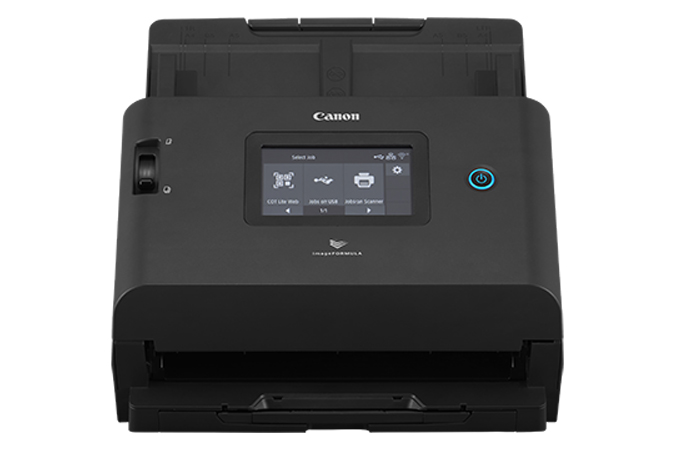
The Canon imageFORMULA DR-S350NW — a wireless office scanner built for everyday departmental workflows.
Every office has a version of the same problem: paper coming in faster than anyone has time to file it. Intake forms, signed contracts, invoices, patient records, applications — it piles up, gets stuffed in a folder, and becomes nearly impossible to search when someone actually needs it. A document scanner doesn’t just digitize that paper. It makes it findable.
Canon’s imageFORMULA lineup covers that need at every scale, from a single scanner on an office manager’s desk to a centralized scanning room processing tens of thousands of pages a day. Canyon Falls sells, installs, and supports the full range right here in Indianapolis.
Two Tiers of imageFORMULA
Most businesses fall into one of two categories — and Canon builds a dedicated line for each:
Office & Departmental
Built for everyday scanning at a single desk or small department — contracts, HR files, invoices, and general paperwork that needs to move from paper to digital without slowing anyone down.
Production
Built for centralized, high-volume document processing — back-office scanning rooms, records departments, and mission-critical workflows measured in tens of thousands of pages per day.
Current imageFORMULA Models at Canyon Falls
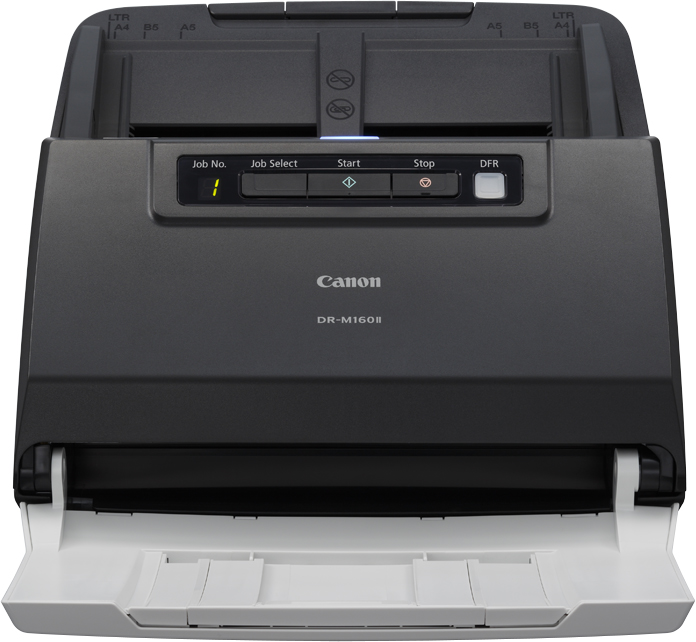
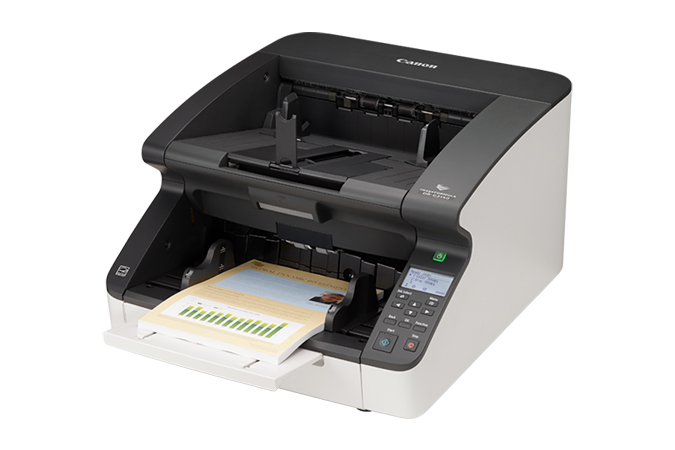
Here’s a look at the models we sell and service, spanning both office and production workflows.
What to Consider When Choosing a Document Scanner
- Daily volume. An office scanner rated for a few thousand pages a day won’t hold up in a records room processing tens of thousands — matching rated daily volume to actual workload keeps a scanner from wearing out early.
- Feeder capacity. Office models typically hold 60–75 sheets at a time, while production models step up to 500-sheet feeders for long, unattended batch runs.
- Connectivity. Some scanners connect by USB only, which is simplest for a single non-networked desk. Others add Ethernet and Wi-Fi, letting multiple users on a network — or even a VDI environment — share one scanner.
- Software and searchability. Bundled capture software can auto-name files, route them to folders, and run OCR so scanned pages become full-text searchable instead of just static images.
Not sure how many scans a day your office actually runs, or whether you need USB, Ethernet, or Wi-Fi? We’ll walk through your workflow with you — no pressure, no guesswork.
Get a Free Scanning Assessment →Backed by Canon’s Warranty Coverage
Every imageFORMULA scanner we sell ships with Canon’s manufacturer warranty, and production models add optional eCarePAK coverage for extended protection on high-volume equipment. Canyon Falls handles the setup, network configuration, and ongoing support locally — so if something comes up, you’re calling a team in Indianapolis, not a national call center. We service what we sell — quickly, completely, and with care.
Canyon Falls has been locally owned and operated in Indianapolis since 1991. Whether you need one wireless scanner for a busy front desk or a production-grade system for a centralized scanning room, we’ll help you match the right Canon imageFORMULA model to how your office actually works.
Ready to get paper off your desk for good?
Let’s Talk