
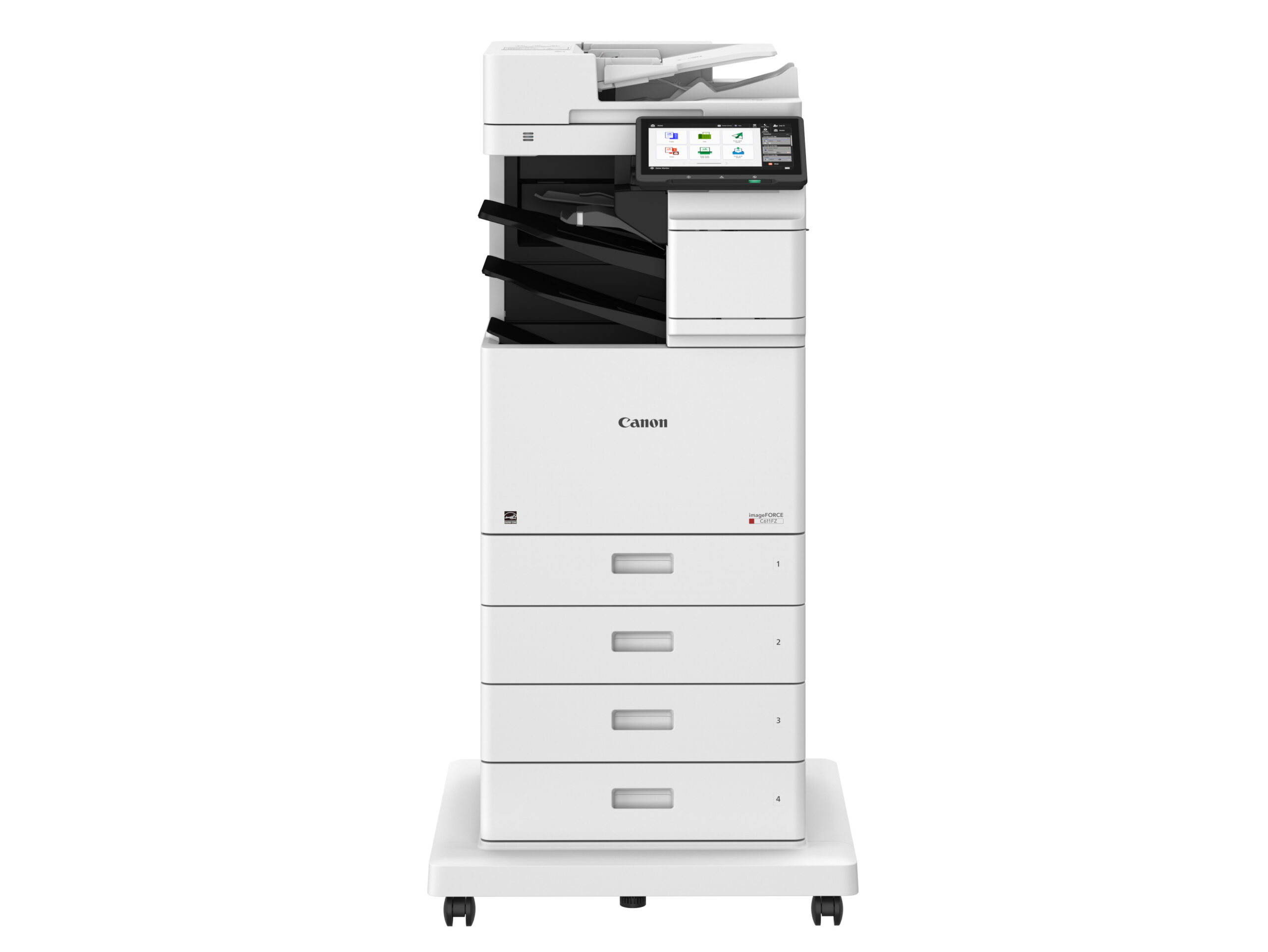
Canon imageFORCE · Platform Deep Dive
What’s New in Canon imageFORCE: Security, Uptime and Cost
Every new copier generation claims to be faster. Three things changed on this one that you’ll actually notice on an invoice or in an audit.
Most copier launches are a speed bump and a new color of plastic. Canon’s imageFORCE platform is a bigger deal than that, and not because of the page counts.
Three areas moved in ways that matter to the person signing the service agreement: what the device does about security without being told, how long the expensive parts last, and what it costs to run over a five-year term. Here’s what changed in each.
One — Security
The copier stopped being the weak spot on the network
Office printers have a bad reputation in security circles, and it’s earned. They sit on the network with default credentials, run firmware nobody patches, hold scanned documents on an internal drive, and never appear in a monitoring dashboard. Attackers know this.
The imageFORCE platform closes most of that gap by default rather than by configuration:
Security Environment Estimation
The device reads its own network at setup and recommends the right security posture — no questionnaire, no guessing which of forty settings matter. It tells you what it found and asks to apply the settings. For an office without a full-time IT person, this is the single most useful change on the platform.
Verify System at Startup, with auto recovery
Canon devices have checked BIOS, firmware and MEAP applications for tampering at boot for several generations. What’s new is what happens when that check fails: the imageFORCE platform can automatically recover the BIOS rather than simply refusing to start and waiting on a service call.
Trellix Embedded Control
Standard on the platform. Software on the device is checked against a whitelist, so only firmware and applications Canon has approved are allowed to run — malware doesn’t execute even if it lands. A status display logs every tampering attempt, and the whitelist updates itself with firmware updates.
SIEM integration, standard
The copier reports as syslog data into Splunk, ConnectWise, IBM, ManageEngine, SolarWinds, Trellix or LogRhythm alongside the rest of your infrastructure. If you’re under a compliance regime that expects every networked device to be monitored, the printer stops being the exception. Requires a third-party SIEM.
Modern identity, not a keypad code
Multi-factor authentication and Microsoft Entra ID (Azure AD) support mean people badge in with the same credentials they use everywhere else, and offboarding someone actually removes their device access.
The encryption fundamentals
TLS 1.3, IPSec, WPA3 on wireless, TPM 2.0, encrypted secured print, forced hold printing, purge-level data erase, and FIPS 140-3 validation on select models for storage and communications encryption.
Feature availability varies by model; several items above are standard on select models only. We’ll confirm specifics for the exact configuration you’re considering.
Worth pairing with the rest of your stack. A hardened copier inside an unmonitored network is still exposed. If nobody is currently watching your network traffic, our network security and monitoring and security services cover the other side of that equation.
Two — Uptime
The parts last substantially longer
This is the least glamorous change on the platform and probably the most valuable. Canon designed the drum, fuser, developer and ITB unit on imageFORCE devices to last the contracted lifespan of the machine. Fewer parts reaching end of life means fewer service visits, and fewer service visits means less of your day spent waiting on a technician.
Here’s the comparison Canon published for the C611 Series against the imageRUNNER ADVANCE DX models it replaces, in pages:
| Component | imageFORCE C611 Series | iR ADV DX C359 / C259 | iR ADV DX C568 / 478 |
|---|---|---|---|
| Fusing unit | Up to 200,000 | Up to 150,000 | Up to 150,000 |
| ITB unit | Up to 200,000 | Up to 150,000 | Up to 150,000 |
| Secondary transfer outer roller | Up to 200,000 | Up to 150,000 | Up to 150,000 |
| Waste toner container (images) | Up to 400,000 | Up to 52,500 | Up to 280,000 |
Source: Canon imageFORCE A4 and Desktop Solutions Handbook, parts longevity comparison. Yields are rated maximums and vary with coverage and environment.
A third more life out of the fuser and ITB is meaningful. The waste toner container is the eye-catching one — up to 400,000 images against 52,500 on the C359/C259. That’s a consumable that used to generate its own service calls and now mostly doesn’t.
Fewer things to stock, fewer things to swap
The platform uses an all-in-one cartridge that integrates toner, drum unit, developer and waste toner container into a single compact unit. For us that means simpler parts inventory and fewer trips; for you it means a high-yield cartridge a staff member can change in a minute instead of a scheduled visit. More components across the platform are user-replaceable than on the previous generation, and the machines are designed for one-person unboxing and install without screws or external connectors.
Three — Running cost and energy
Lower draw, and certifications your RFP may ask about
Canon reformulated the toner resin so it fuses at a lower temperature. That sounds like a footnote until you follow it through: less power to reach operating temperature, faster warm-up from sleep, and lower TEC (typical electricity consumption) values on the spec sheet. Administrators can also schedule remote shutdown and weekly timers so devices aren’t drawing power over weekends and holidays.
On the procurement side, every imageFORCE model carries ENERGY STAR plus an EPEAT rating:
- EPEAT Gold + ENERGY STAR
imageFORCE C611 and 710 Series
Canon’s highest sustainability tier.
- EPEAT Silver + ENERGY STAR
imageFORCE C1333, 1643 and 1440 Series
The desktop and small-workgroup models.
- EPEAT Bronze + ENERGY STAR
imageFORCE C1935P
Meets the core environmental and energy benchmarks.
Recycled plastic content ranges from 5% to 25% depending on model, and packaging across the platform moves to EPS-free, foldable recyclable cardboard. If your organization reports on procurement sustainability — common for schools, municipalities and healthcare in Indiana — these are the numbers your form asks for.
What it adds up to
Why this matters on an all-inclusive agreement
We sell service agreements that cover toner, maintenance and repairs at a fixed cost. That arrangement only works when it works for both sides — and equipment that needs fewer interventions is what makes it work.
- Longer part life means fewer scheduled visits interrupting your staff, and a more predictable cost for us to hold steady on your rate.
- Self-service consumables mean less waiting. An all-in-one cartridge someone at the front desk can swap beats a half-day service window.
- Security that’s on by default doesn’t need a project. Nobody has to schedule time to harden the copier — it estimates its own environment and asks.
- Monitoring closes the loop. With Canon’s remote service tooling we often see a developing fault before you notice a quality problem.
If you want the specification sheets, brochures and e-manuals for any of these models, our Canon imageFORCE quick reference links Canon’s official documentation for each family. For the wider question of whether an A4 device should replace your current A3 copier at all, we covered that here.
Want the numbers run against your current machine?
Send us your model and monthly volume and we’ll show you what changes — service frequency, energy draw, and cost per page — against a comparable imageFORCE configuration. Straight comparison, no pressure.
Get a comparison Browse Canon copiers